
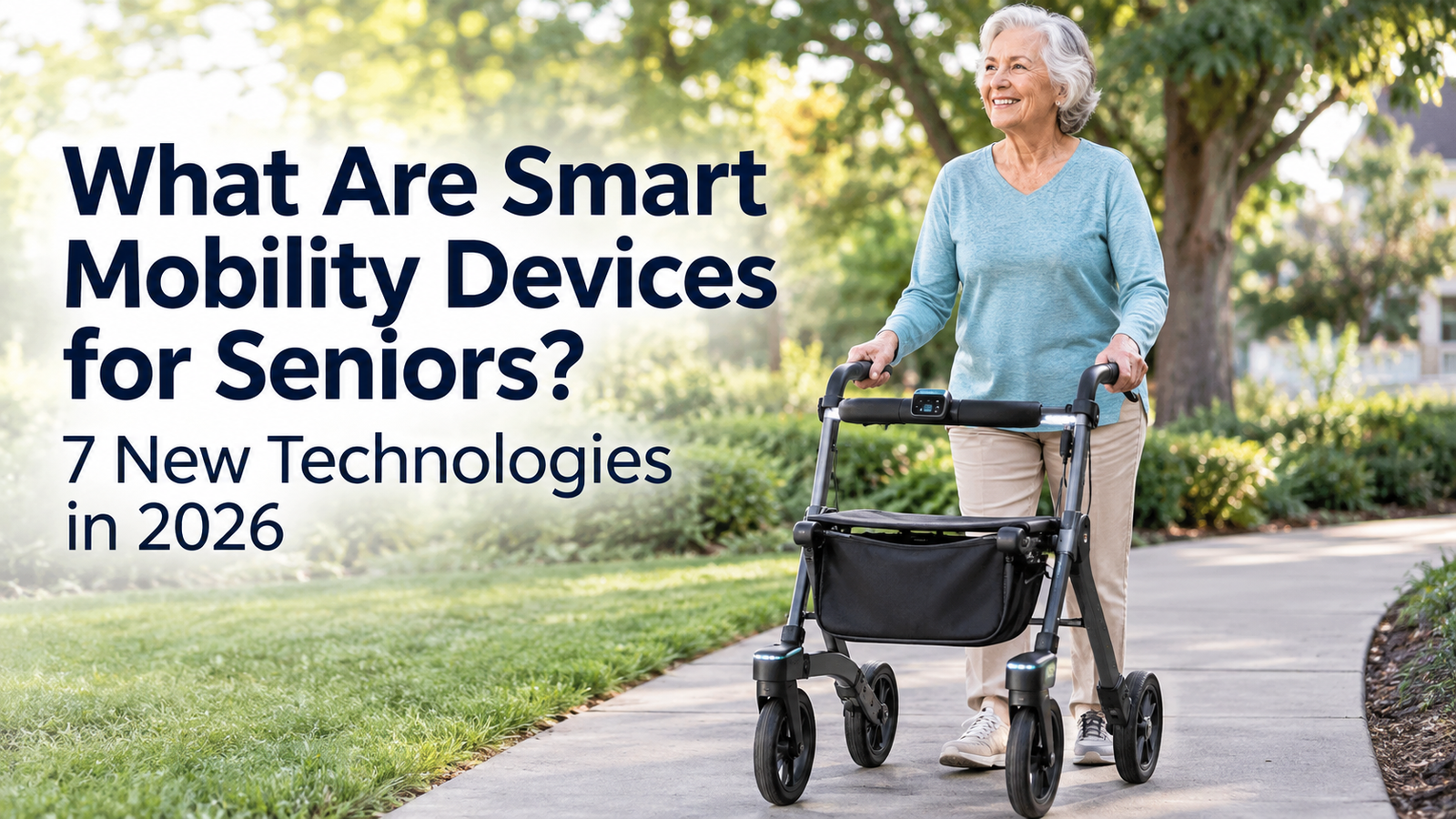
Canes, walkers, rollators, wheelchairs, and mobility scooters have helped older adults move safely for generations, and they remain essential today. What’s changing is what sits underneath the handlebars and seat cushions. A growing number of mobility aids now include sensors, GPS, obstacle detection, automatic braking, emergency alerts, and connectivity features that were unheard of a decade ago.
This shift matters because falls remain one of the most serious health risks facing older adults. <cite index=”25-1″>More than one in four people age 65 or older falls each year in the United States, and the risk rises with age</cite>. Traditional mobility aids already help reduce that risk, and technology is now being layered on top of them to add another level of awareness and support.
This article explains, in plain language, smart mobility devices for seniors — what they are, how they differ from traditional aids, and seven categories of emerging technology worth understanding in 2026. This is an educational overview, not a product review, and it does not recommend or endorse any specific brand.
1. What Are Smart Mobility Devices for Seniors?
Smart mobility devices for seniors are traditional mobility aids — such as rollators, walkers, or wheelchairs — that have been enhanced with electronic components designed to improve safety, awareness, or convenience. The core function stays the same: supporting balance, weight-bearing, or movement. What’s added is a layer of technology that can sense, monitor, or communicate.
Common technologies built into these devices include:
- Sensors that detect motion, speed, or nearby obstacles
- GPS or navigation support for location awareness
- Obstacle detection using cameras, ultrasonic sensors, or laser rangefinders
- Automatic or assisted braking on inclines or during unsteady movement
- Emergency alerts that notify a caregiver or contact if something goes wrong
- Integrated lighting for visibility in low light
- Bluetooth or app connectivity for tracking use or settings
- Movement or gait monitoring that records walking patterns over time
- Voice assistance for hands-free interaction
It’s worth being clear about one thing: “smart” does not mean autonomous or robotic in the way people sometimes picture. Most smart mobility devices still require the user to walk, steer, or operate them. The technology adds support and information — it does not replace the person’s own effort or judgment.
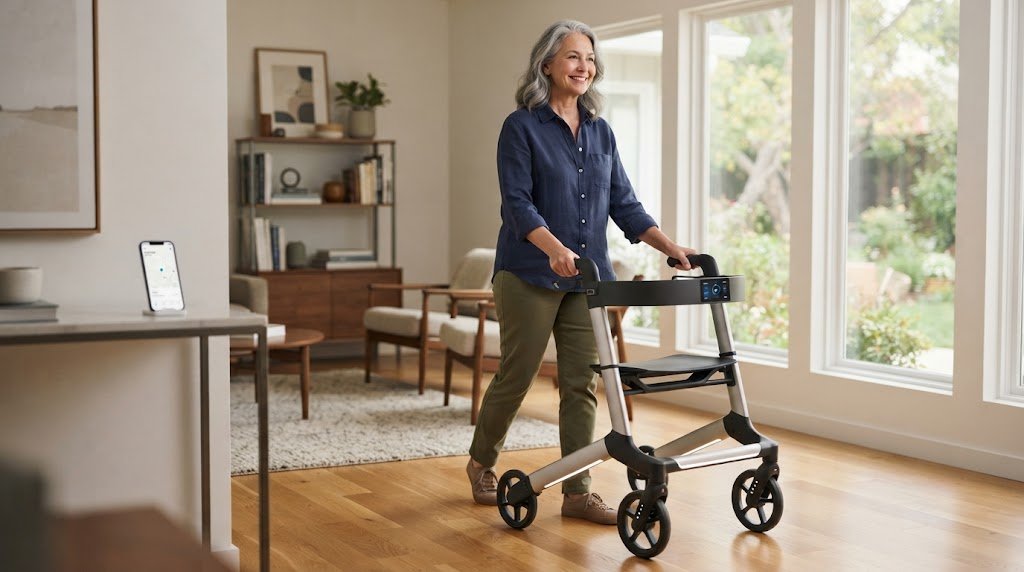
2. Smart Rollators
A smart rollator is a standard four-wheeled walker with a seat and hand brakes, upgraded with electronic features. <cite index=”2-1″>Prototype systems in development combine distance and speed sensing, motion analysis, force sensing, seat-use tracking, and basic physiological monitoring, with data that can be stored and reviewed remotely</cite>.
Possible features in smart rollators include:
- Assisted or automatic braking on downhill slopes
- Obstacle or curb detection
- Basic route or navigation guidance
- Integrated LED lighting for evening use
- Emergency alert buttons or automatic fall-related alerts
- Gait and movement tracking over time
- Smartphone app connectivity
Some research-stage systems go further. <cite index=”8-1″>Certain robotic rollator prototypes use onboard sensors, such as laser rangefinders, to track a user’s leg movement and analyze gait in real time, which researchers are studying as a way to flag changes that may relate to fall risk</cite>. These features could help some users feel steadier and more confident walking outdoors or over uneven ground. That said, availability varies widely by device and region, and several of these capabilities are still being refined in research settings rather than sold as finished consumer products.
3. Robotic Walkers
A robotic walker goes a step beyond sensor add-ons. It typically includes motorized or semi-motorized components that respond to the user’s movement, rather than relying only on manual steering and braking.
Technologies explored in robotic walking aids include:
- Sensors that track the user’s position and gait
- Movement assistance that adjusts resistance or support
- Obstacle detection and avoidance
- Basic navigation support
- Adaptive assistance that responds to the user’s pace or balance
- Voice interaction for simple commands
This is genuinely an emerging field. Much of the published work on robotic walkers comes from university and hospital research labs rather than retail markets, and systems studied in controlled lab settings don’t always translate directly into affordable, everyday consumer products. It’s important not to assume that every capability described in a research paper is something a person can currently buy and use at home. As with smart rollators, robotic walkers are best understood as a developing category rather than a single standardized product.
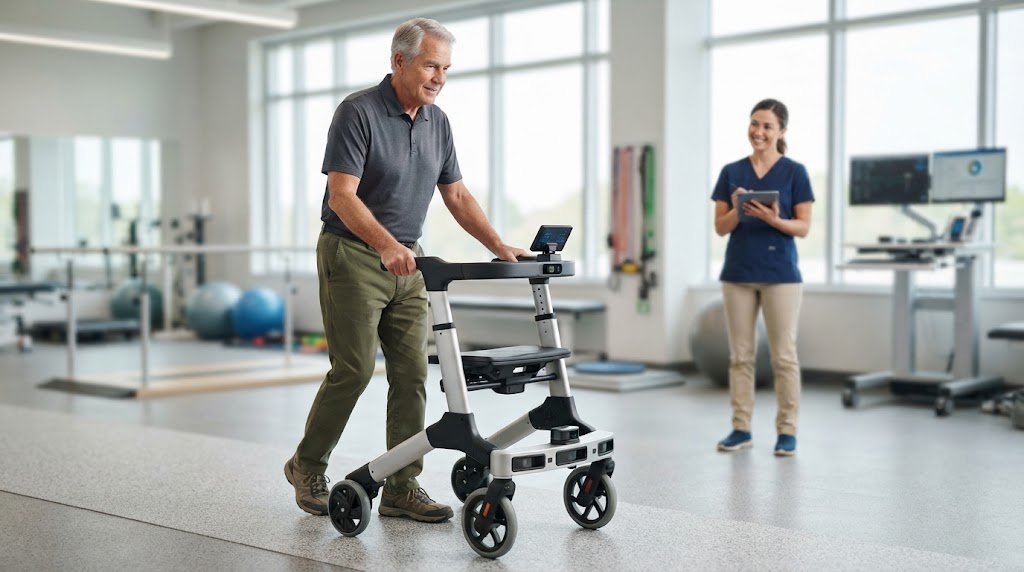
4. Smart Wheelchairs
Technology is also reshaping powered wheelchairs. A standard power wheelchair gives a user joystick or switch control over movement. A smart wheelchair adds sensing and software that can support the driving process itself.
Potential capabilities include:
- Navigation assistance for indoor or outdoor routes
- Obstacle detection using cameras or proximity sensors
- Collision avoidance that can slow or stop the chair near hazards
- Smart or programmable controls, such as adjustable sensitivity
- Environmental sensing, including detecting doorways, ramps, or drop-offs
- Connectivity to apps for settings, maintenance alerts, or location sharing
The distinction to keep in mind is one of degree, not category. A standard power wheelchair is already a significant mobility tool for many people. A smart wheelchair adds features intended to reduce collision risk or ease navigation, but it still requires an engaged, capable user or caregiver oversight, and it is not a substitute for proper fitting and training.
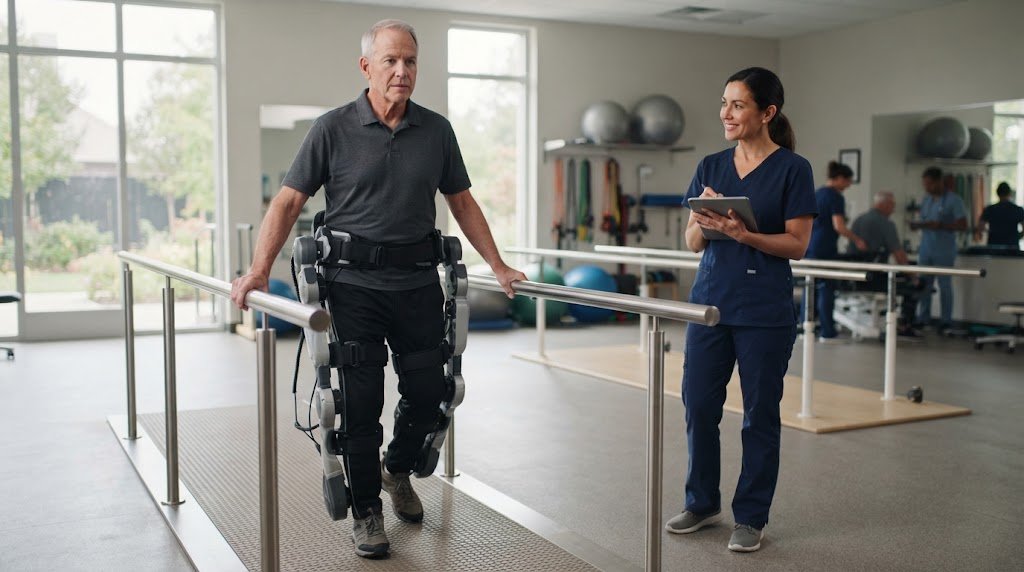
5. Wearable Mobility Technology and Exoskeletons
Wearable mobility technology includes devices worn on the body — often at the hip, knee, or ankle — designed to assist movement rather than replace a handheld aid. The most researched form is the powered or robotic exoskeleton, a lightweight frame with motors or springs that provide extra force during walking.
Current research applications include:
- Walking assistance — some devices provide small amounts of assistive torque at the ankle or hip to make walking feel less effortful
- Rehabilitation — exoskeletons are used in physical therapy settings to support gait retraining after stroke, injury, or surgery
- Lower-body movement support — helping with tasks like sit-to-stand transitions or stair climbing
- Strength assistance — offsetting some of the muscle strength that naturally declines with age
The evidence base here is encouraging but still developing. <cite index=”57-1″>In one study, healthy adults over 65 who trained with an optimized ankle exoskeleton achieved meaningful improvements in self-selected walking speed and reduced their metabolic energy cost while walking</cite>. Separately, <cite index=”46-1″>reviews of lower-limb exoskeleton research describe gains in gait speed, strength, endurance, and balance across various training programs</cite>.
It’s important to distinguish between two categories: exoskeletons used in supervised clinical or research settings, and consumer wearable devices sold for general home use. Most of the strongest evidence so far comes from the former. Home-use exoskeletons for healthy aging are an active area of study, not yet a mainstream, widely available consumer product category.
6. AI-Powered Mobility Assistance
Artificial intelligence is increasingly used behind the scenes in mobility technology — not as a stand-alone gadget, but as software that helps other devices interpret data and respond.
Ways AI is being explored in mobility support include:
- Recognizing an individual’s typical walking pattern
- Detecting obstacles in a device’s path using cameras or sensors
- Predicting changes in movement that may indicate fatigue or instability
- Adapting the level of assistance a device provides in real time
- Supporting navigation and route planning
- Personalizing settings based on how a person actually uses the device
<cite index=”13-1″>Researchers describe a broader shift in this field, moving from simply detecting a fall after it happens toward trying to identify rising fall risk before an incident occurs, using AI and sensor data</cite>. This is a meaningful area of research, but it is still evolving, and predictive systems are not the same as guarantees.
It’s worth repeating clearly: AI-powered features may help identify risk patterns or can be used to adapt assistance, and researchers are exploring how to make these systems more reliable. No current AI-based mobility technology can promise to prevent falls or guarantee a person’s safety.
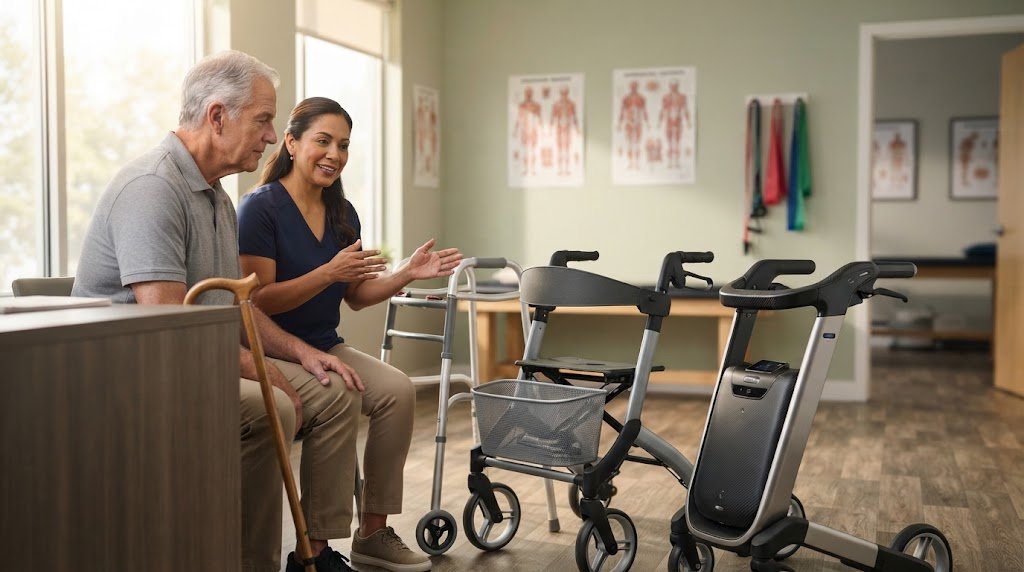
7. Connected Mobility Devices
Connectivity is one of the more practical and widely available smart mobility features. It refers to a device’s ability to link with a smartphone, app, or other digital system.
Potential functions include:
- Emergency communication, such as an alert sent to a family member
- Location sharing for caregivers who want awareness of a loved one’s whereabouts
- Device monitoring, including battery status or usage patterns
- Activity information, like distance walked or time spent using the device
- Maintenance alerts when a part needs attention
- Caregiver notifications for unusual activity or inactivity
Connectivity brings real convenience, but it also raises privacy and data-security questions. Anyone considering a connected device should ask what data is collected, how long it’s stored, who can access it, and whether the data is shared with third parties. These are reasonable questions to raise with a device manufacturer or a healthcare provider familiar with the product before relying on it.
8. How Are Smart Mobility Devices Different From Traditional Mobility Aids?
| Feature | Traditional Mobility Aid | Smart Mobility Device |
|---|---|---|
| Basic walking support | Yes | Yes |
| Sensors | Usually no | Often |
| Navigation | Usually no | Possible |
| Emergency alerts | Usually no | Possible |
| Obstacle detection | Limited/no | Possible |
| Connectivity | Usually no | Possible |
| Battery required | Depends on device | Often |
| Technology complexity | Lower | Higher |
More technology does not automatically mean a better device. A simple, well-fitted cane used correctly can be safer and more practical for one person than a feature-rich smart rollator that feels confusing or unnecessary. The right choice depends on the individual’s needs, not on how advanced a device sounds.
9. Potential Benefits of Smart Mobility Technology
When matched appropriately to the user, smart mobility features may offer:
- Greater independence in daily activities
- Additional layers of safety awareness
- Navigation assistance in unfamiliar places
- Better awareness of nearby obstacles or hazards
- Faster emergency communication if something goes wrong
- Personalized assistance based on individual movement patterns
- Easier ways for caregivers to stay connected without being physically present
These are potential benefits, not guarantees. How much a device actually helps depends heavily on the person, the environment, and how consistently the device is used.
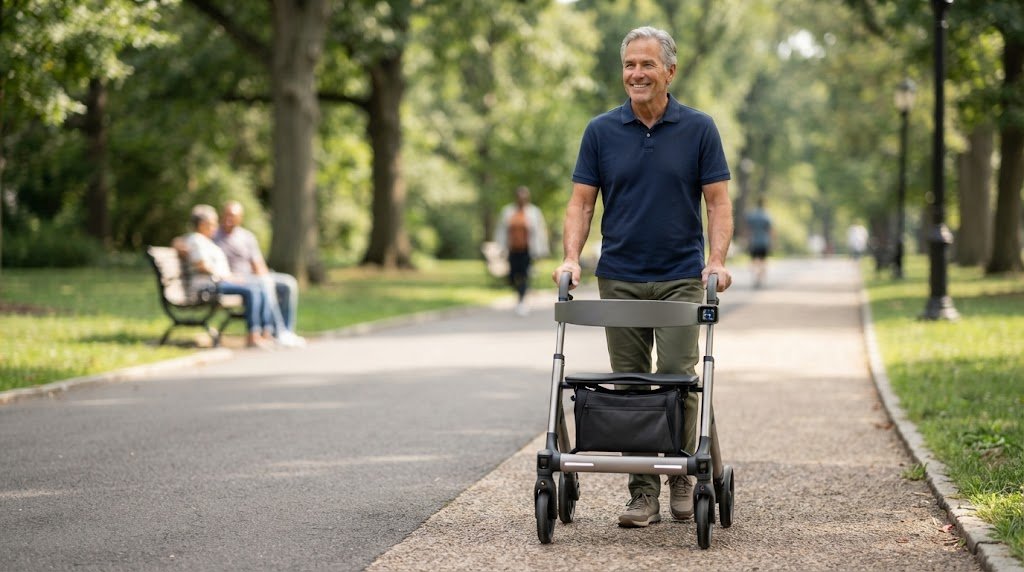
10. Potential Limitations and Concerns
A balanced view of smart mobility technology has to include its downsides:
- Cost — added technology generally means a higher price than a comparable traditional device
- Battery dependence — a dead battery can leave certain features, or even the device itself, non-functional
- Complexity — more features can mean more to learn, adjust, and troubleshoot
- Learning curve — some older adults, or their caregivers, may find setup and daily use frustrating at first
- Maintenance — electronic components may require software updates, repairs, or replacement parts
- Privacy — connected devices collect data that needs to be handled responsibly
- Connectivity problems — features relying on Wi-Fi, Bluetooth, or cellular signal can fail in poor-coverage areas
- Reliability — sensor-based features like obstacle detection are not perfect and can miss hazards or trigger false alerts
- Availability — many advanced features described in research are not yet sold as finished consumer products
- Limited real-world research — some technologies have only been tested in small studies or controlled settings, not everyday home use
For some people, a traditional mobility aid without added technology remains the more reliable and practical option, particularly if simplicity and low maintenance matter more than added features.
11. Are Smart Mobility Devices Safe for Seniors?
There’s no single yes-or-no answer. Safety depends on several factors working together:
- The specific device and how well-tested its features are
- Whether the device matches the user’s actual mobility needs
- Proper fit and adjustment, such as correct handle height
- Adequate training on how to use every feature
- Correct, consistent use over time
- The environment where the device is used — indoors, outdoors, uneven terrain, and so on
- Ongoing device maintenance, including battery and software care
A smart mobility device isn’t automatically safer than a traditional one just because it has more technology, and it isn’t automatically riskier either. If someone is unsure which type of mobility aid is appropriate for their situation, a physical therapist, occupational therapist, or other qualified healthcare or rehabilitation professional can provide an individualized assessment. This article is educational information, not a diagnosis or personalized medical recommendation.
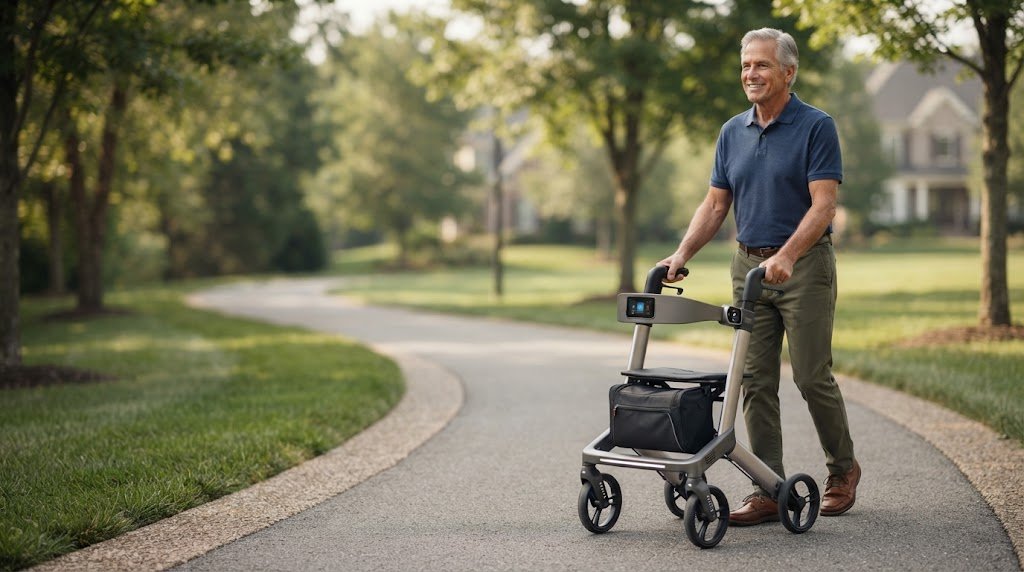
12. How to Choose the Right Mobility Technology
Before choosing any mobility aid — smart or traditional — it helps to work through a short checklist:
- What specific mobility problem are you trying to solve?
- Do you need balance support, seated rest, or both?
- Would navigation assistance genuinely help your daily routine?
- Can you (or the person using the device) safely operate the technology involved?
- How often will the device realistically be used?
- Will it be used mainly indoors, outdoors, or both?
- Does it require regular charging, and is that manageable?
- Is hands-on training available from the seller, a therapist, or a caregiver?
- What happens to basic functionality if the battery dies?
- Does the device collect personal data, and if so, how is it protected?
Sometimes the simplest appropriate mobility aid is genuinely the best choice. A feature isn’t valuable just because it exists — it’s valuable if it solves a real problem for the specific person using it.
13. When to Consider Professional Guidance
It’s worth seeking a professional mobility assessment when:
- Walking has recently become noticeably more difficult
- Balance problems seem to be increasing over time
- There have been one or more falls or near-falls
- An existing mobility aid feels hard to control or doesn’t feel stable
- You’re unsure which type of device — traditional or smart — fits your situation
- A new mobility device is being considered after a significant health change, surgery, or injury
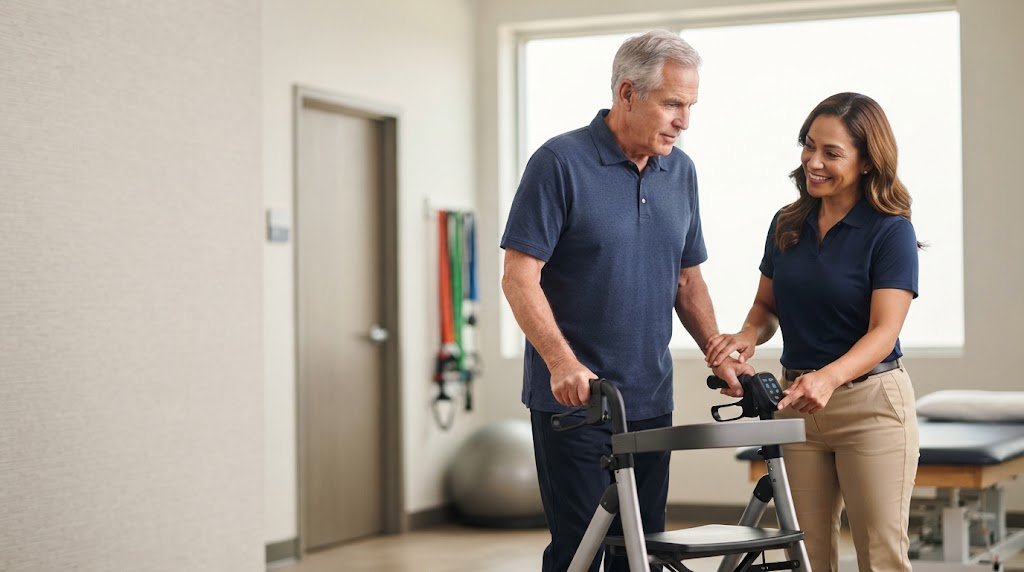
Physical therapists and occupational therapists are trained to evaluate gait, balance, strength, and home environment, and can recommend a mobility aid — with or without smart features — suited to an individual’s needs. Primary care providers can also help coordinate this kind of evaluation.
Conclusion
Smart mobility devices for seniors are expanding what traditional canes, walkers, rollators, and wheelchairs can do. Smart rollators, robotic walkers, smart wheelchairs, wearable exoskeletons, AI-assisted features, and connected devices each represent a different way that sensors, software, and connectivity are being layered onto familiar mobility aids. Some of this technology is already available and useful today; other parts are still moving through research and early real-world testing.
The pace of development in this space is real, and it’s likely to keep changing over the next few years. But the underlying principle doesn’t change: technology can add useful features to a mobility aid, but the best mobility device is still the one that safely and appropriately meets the individual’s specific needs — not necessarily the one with the most features.
Frequently Asked Questions
What are smart mobility devices for seniors? Smart mobility devices for seniors are traditional mobility aids, such as rollators, walkers, or wheelchairs, that include added technology like sensors, GPS, obstacle detection, or connectivity to improve safety, awareness, or convenience.
What is the newest mobility device for seniors? There isn’t one single “newest” device — this is an actively developing category. Recent areas of development include smart rollators with gait monitoring, lightweight wearable exoskeletons, and AI-assisted navigation features, several of which are still primarily in research or early adoption stages.
What is a smart rollator? A smart rollator is a standard wheeled walker with a seat, upgraded with technology such as sensors, lighting, connectivity, or assisted braking, designed to add safety and monitoring features to a familiar mobility aid.
Are smart walkers available for seniors? Some smart walker and rollator features, like connected apps, lighting, and basic sensors, are available now. More advanced robotic capabilities are still largely in research and development and are not yet widely available as everyday consumer products.
What are examples of smart mobility aids? Examples include smart rollators, robotic walkers, smart or connected power wheelchairs, wearable exoskeletons, and mobility devices with app connectivity or emergency alert features.
Can smart mobility devices prevent falls? No mobility device, smart or traditional, can guarantee fall prevention. Some smart features are designed to help reduce certain risks or alert others quickly if a fall occurs, but they work alongside — not instead of — good balance, strength, medical care, and a safe home environment.
Are robotic walkers safe for older adults? Robotic walkers can offer helpful safety features, but safety ultimately depends on proper fit, training, and appropriate use for the individual. Because this is an emerging technology, it’s reasonable to seek professional guidance before relying on one.
Do smart mobility devices require batteries? Many do, since sensors, lighting, connectivity, and motorized features typically need power. It’s worth understanding how a device functions if the battery runs low or dies before choosing one.
Are smart mobility devices expensive? Devices with added technology are generally priced higher than comparable traditional mobility aids, though exact costs vary widely by device and feature set.
Should seniors talk to a physical therapist before choosing a mobility aid? Yes, when possible. A physical therapist or occupational therapist can assess an individual’s balance, strength, and mobility needs and help recommend an aid — smart or traditional — that fits those needs safely.